Start test
Scan serial number
To start a test, click “Start Test” on the home screen of the EST TestApp.
By default, the software prompts you to enter the serial number of the test object. Optionally, a new serial number can be generate, if allowed by company policy.
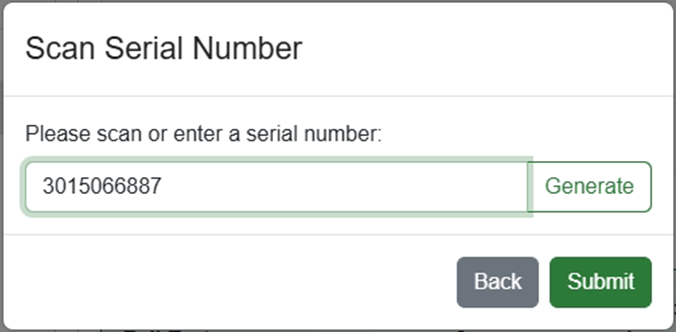
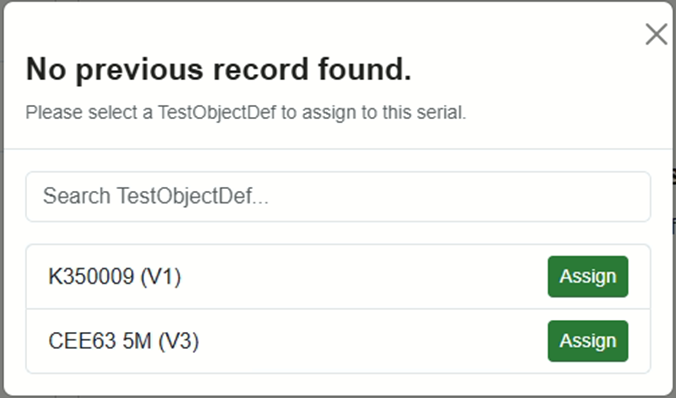
If the entered serial number is unknown, you will be prompted to assign it to a test object definition. If this is not permitted by company policy, the option will be hidden.
When a matching test object is found, an overview of the available test plans is displayed, the preferred one can be started using the Start Test button.
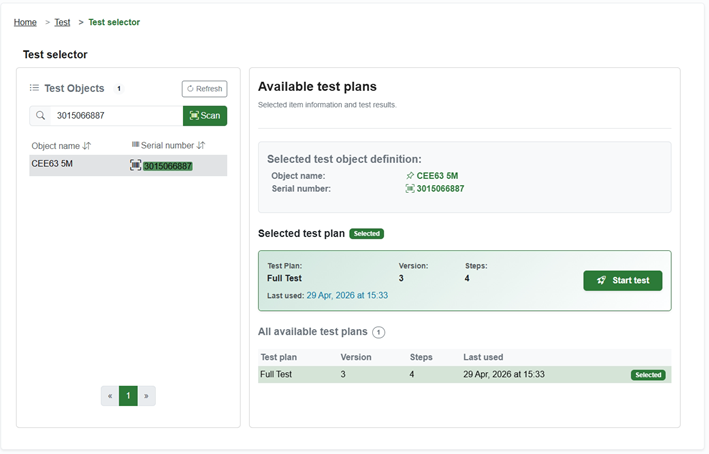
The preferred test plan is the last used on this object definition.
info
A test plan consists of a sequence of tests and corresponding limits against which the test object is evaluated.