Cable clamps
Cable/Busbar clamps
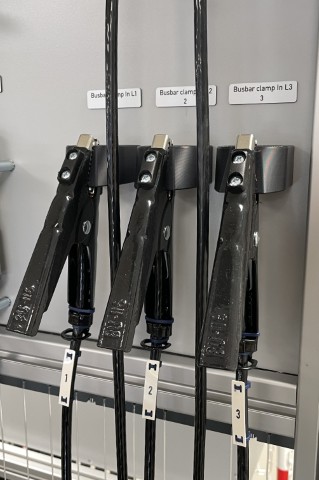
Busbar clamps are used to test cables without sockets, for example with lugs or eyelets.
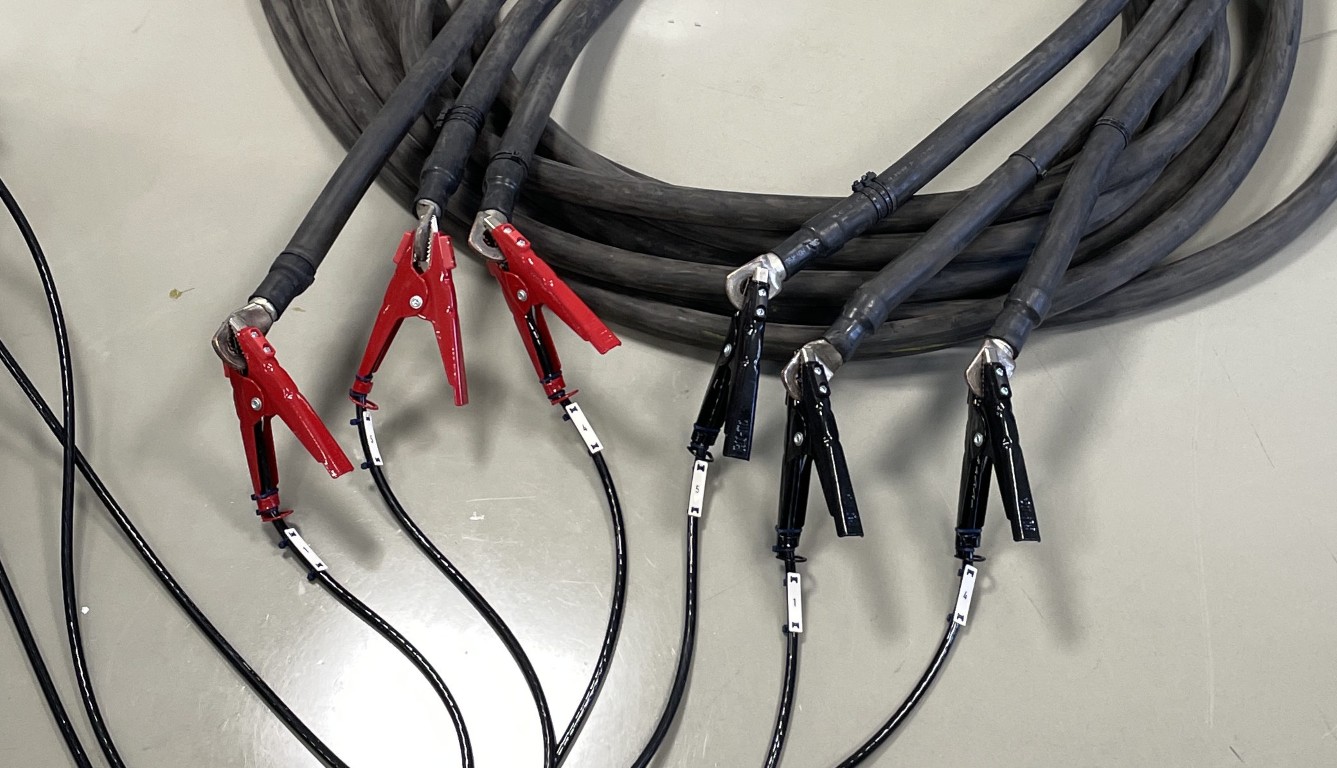
There are two sets of 5 busbar clamps, black and red, this allows testing 3-phase cables up to 5 conductors.
The clamps are 4-wire capable, allowing for precise resistance measurements of cables.
Red is the Source (outlet) side, black is the Drain (inlet) side.
The busbar clamps can be used for distribution boxes, however they are unable to perform RCD Tests due to safety restrictions.
Creating a Test Object with Cable Clamps
Follow the normal steps on creating a test object, but select Crocodile 5p Busbar Points ... as socket with Source or Drain..
These points are places where the cable clamps should be connected.
If you have less then 5 conductors in your cable, mark the Pins in the Socket Components as NC (Not Connected).
If you have more than 5 conductors, you need to split the cable into multiple Crocodile 5p Busbar Points sockets for multiple partial tests.
Please note that the EST does not support changing it's Inlet Socket over multiple tests.
You are expected to manually move the clamps to the correct conductors for each test.
The EST cannot detect which conductors are tested, this responsibility is on the operator.
Additional Safety
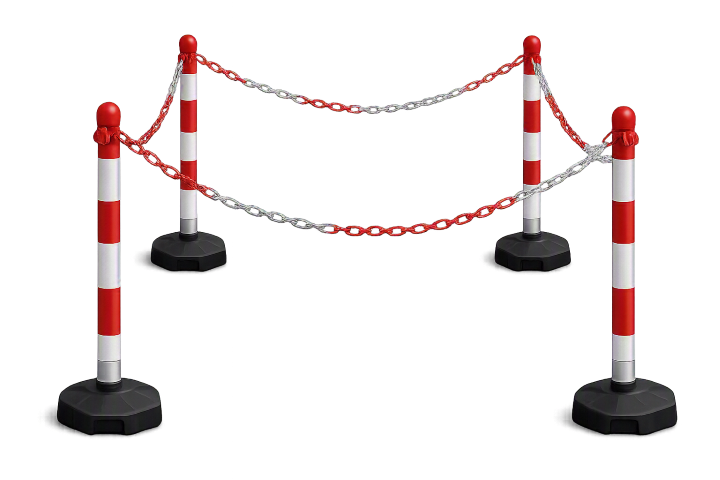
When using the busbar clamps, ensure the safety of the operator and others in the vicinity.
Set up barriers to avoid accidental contact with the test object and clamps during testing.
Connecting the Cable Clamps
To use the busbar clamps, connect the cable to the clamps to your cable or test objects.
- Take the clamps off the holder on the cable rack.
- Place the clamps on the cable or test object, making sure that the clamps are fully closed and that both sides of the clamps are in contact with the cable or test object.
- Repeat the process for all 5 clamps, making sure that the clamps are connected to the correct conductors.
- Ensure that the clamps are not touching each other or other conductive parts.
- Perform the test.
- Pay special attention to safety, clamps are not insulated and must not be touched during the test.
- After the test, remove the clamps and place them back on the holders on the cable rack.
Connectivity check
When the cable clamps are used during testing, the EST will first run a connectivity check to verify the connection of the clamps to the cable or test object.
If the clamps are not connected properly, the EST will not commence with testing.